YOLO Explained: Building Real-Time AI Vision Applications
Computer vision used to mean slow, clunky software that took several seconds to figure out what was sitting in a photograph. Then came YOLO, short for You Only Look Once, and the entire field of object detection changed direction. Today, YOLO powers everything from warehouse robots that count boxes to security cameras that flag an unattended bag at an airport gate. If you are exploring YOLO AI development for your own product, or simply trying to understand why so many computer vision teams default to this one algorithm, this guide breaks it down in plain language.
We will cover what YOLO actually is, how it manages to detect objects in real time, the practical steps behind how to build real-time AI vision applications with YOLO, and where this technology fits into real business problems. Whether you are a founder scoping a new product, a technical lead choosing a detection framework, or someone who just wants to understand the buzz around it, this article works through the topic from the ground up.
By the end, you should know enough to hold an informed conversation with a vendor or a hiring manager, decide whether it makes sense to hire AI ML developers for your project, and judge for yourself whether YOLO is the right fit for what you are building.
What Is YOLO?
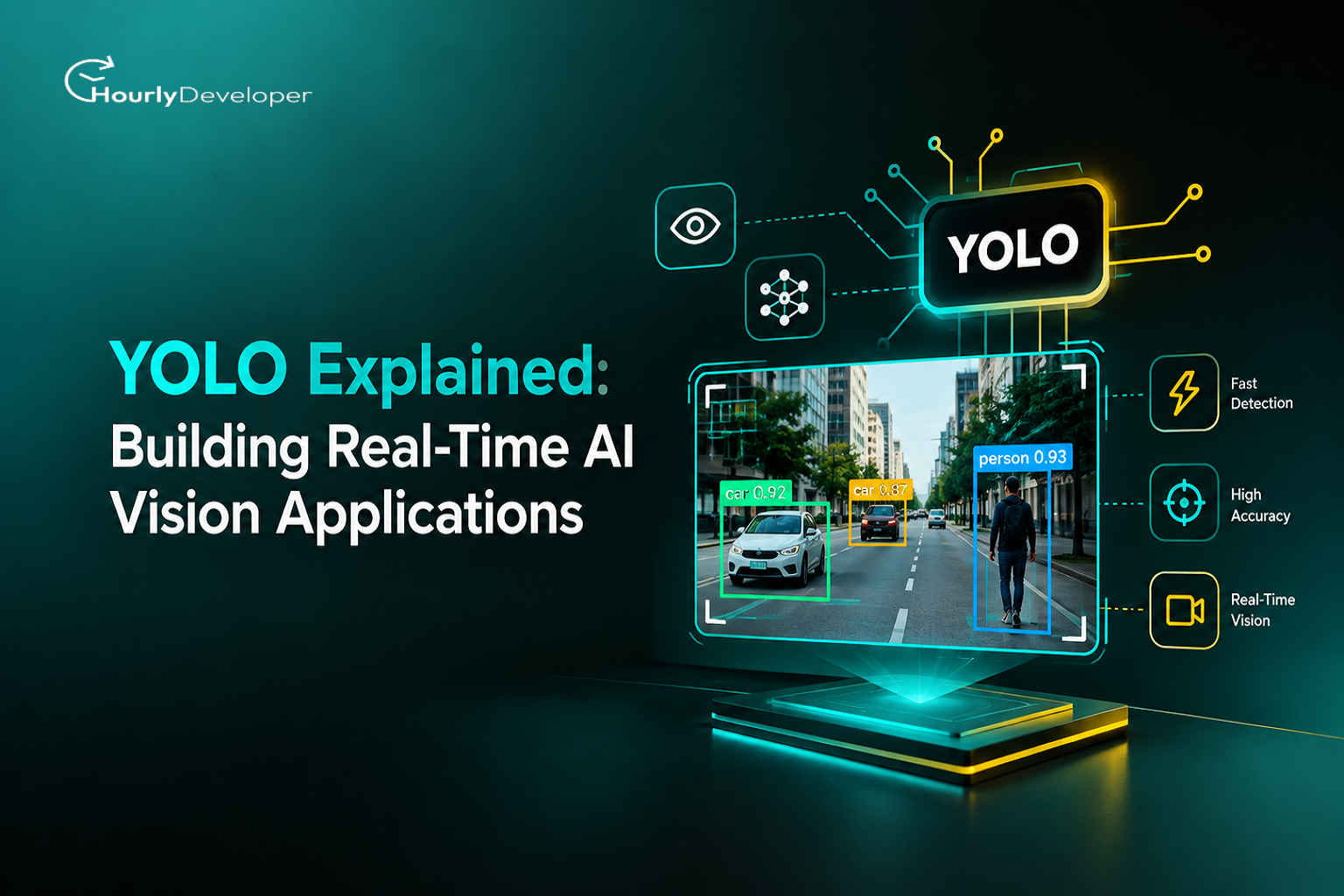
YOLO is a family of object detection models. Object detection is the computer vision task of finding objects inside an image or a video frame and drawing a box around each one, along with a label such as car, person, or forklift. That is different from plain image classification, which only answers what is in a picture without saying where it is.
Joseph Redmon and his team introduced the original YOLO model in 2015, publishing the paper in 2016. Before YOLO, most detection systems worked in two separate stages. First, they proposed regions in the image that might contain an object. Then they ran a second classifier over each region to decide what that object actually was. This worked, but it was slow, sometimes taking well over a second to process a single image on the hardware available at the time.
YOLO's contribution was to treat detection as one problem instead of two. The model looks at the entire image exactly once, hence the name, and in that single pass it predicts every bounding box, every object class, and every confidence score at the same time. That single pass is what makes real-time performance possible, since the model is not repeating work or scanning the picture region by region like a flashlight moving around a dark room.
Since 2016, the architecture has gone through many public releases: YOLOv2, YOLOv3, YOLOv4, YOLOv5, YOLOv6, YOLOv7, YOLOv8, YOLOv9, YOLOv10, YOLO11, and the newest release, YOLO26, which Ultralytics shipped in January 2026. Each version chips away at the same 3 goals, better accuracy, lower latency, and easier deployment on smaller devices such as phones, cameras, and industrial computers. YOLO26 in particular removed a slow post processing step called Non-Maximum Suppression from the standard pipeline, a step that used to add extra delay after the model finished its predictions. Cutting that step out makes the newest versions faster and more predictable to run on edge hardware.
YOLO Version Timeline: Selected Milestones
Version
Year
What Changed
YOLOv1
2016
First single pass detector, proved real-time detection was possible
YOLOv3
2018
Better small object detection, added multi scale predictions
YOLOv5
2020
Rebuilt in PyTorch, became the most widely adopted version for production use
YOLOv8
2023
Added support for segmentation and pose estimation, not just boxes
YOLO11
2024
Smaller, faster models with better accuracy per parameter
YOLO26
2026
Removed Non-Maximum Suppression for end to end inference, built for native edge deployment
Key Takeaway
YOLO is not one fixed piece of software. It is an actively developed family of models, and the version you pick should depend on your hardware, your accuracy needs, and how much community support you want behind you.
How YOLO Actually Works, in Plain Language
Here is the simple version, without the mathematics. When YOLO looks at a picture, it first divides the image into a grid, a bit like a sheet of graph paper. Each cell in that grid is responsible for predicting whether an object's center falls inside it. If one does, that cell predicts a bounding box around the object, how confident the model is that an object is really there, and which class the object belongs to.
Because this happens for the whole image at once, using a single neural network, the model never needs to look at the picture more than 1 time. Older two-stage detectors would first hunt for regions that looked interesting and then classify each region separately, almost like scanning a room with a flashlight, one corner at a time. YOLO instead switches the lights on for the whole room in a single action.
After the raw predictions come out, the model used to run a cleanup step called Non-Maximum Suppression, which removes duplicate boxes drawn around the same object. Newer versions such as YOLO26 build this cleanup directly into training, so the model learns to avoid duplicate predictions in the first place instead of fixing them afterward. That is one reason the newest models are both faster and simpler to deploy in production.
Single Stage vs Two Stage Object Detection
Factor
Single Stage (YOLO family)
Two Stage (e.g. Faster R CNN)
Speed
Very fast, often real-time on standard hardware
Slower, an extra step handles region proposals
Accuracy on small objects
Improved a great deal since YOLOv3, still a known weak spot
Traditionally stronger, but at a speed cost
Deployment on edge devices
Well suited, many lightweight variants available
Harder, models tend to be heavier
Typical use case
Live video, robotics, mobile apps
Research, cases where speed is not critical
Key Metrics: How to Tell If a YOLO Model Is Actually Good
Vendors and open source pages throw around a lot of numbers, and it helps to know what they actually mean before trusting any of them. A handful of metrics show up again and again when people talk about YOLO or any other detection model, and understanding them in plain terms makes it much easier to compare options without getting lost in jargon.
Mean Average Precision, usually written as mAP, is the headline accuracy number. It measures how correctly the model finds objects and how close its bounding boxes are to the real ones, averaged across every object class in the test set. A higher mAP generally means better accuracy, but it says nothing about speed, so it should never be read on its own.
Intersection over Union, or IoU, measures how well a predicted box overlaps with the actual object. An IoU of 1 would mean a perfect match, while 0 means the predicted box and the real object do not overlap at all. Most benchmarks count a detection as correct only once IoU crosses a set threshold, commonly 0.5.
Frames Per Second, or FPS, is the plain speed number, how many video frames the model can process every second on a given piece of hardware. This is the metric that decides whether a system feels instant to a person watching it, or noticeably laggy. Inference latency, usually measured in milliseconds, is closely related, it is simply the time taken to process 1 single frame.
Precision and recall round out the picture. Precision asks, of everything the model flagged as an object, how much was actually correct. Recall asks, of everything that was really there, how much did the model actually catch. A security system that misses real threats has a recall problem, while one that constantly raises false alarms has a precision problem, and the right balance depends entirely on the specific use case.
Metrics at a Glance
Metric
What It Tells You
Why It Matters
mAP
Overall detection accuracy across all object classes
Higher usually means fewer missed or wrong detections
IoU
How closely a predicted box matches the real object
Decides whether a detection counts as correct at all
FPS
How many frames the model processes per second
Determines whether the system feels real-time or laggy
Precision
Share of flagged detections that were actually correct
Low precision means too many false alarms
Recall
Share of real objects the model actually caught
Low recall means the model is missing things it should catch
Why Real-Time Detection Actually Matters
Speed is not just a nice feature here. In many applications, it is the entire point. A safety system on a factory floor that takes 2 seconds to notice a worker has stepped into a danger zone is not really a safety system, it is a delayed alert. A shelf monitoring camera in a retail store that takes 10 seconds to notice an empty shelf is barely more useful than a person doing a manual walk through once an hour.
Real-time, in this context, usually means the model can process video at somewhere between 15 and 60 frames per second, close to what the human eye perceives as smooth motion, while running on hardware that is realistic for the deployment environment. Not a data center GPU, but a camera, a laptop, or an industrial PC sitting on a factory floor.
This is exactly the gap that YOLO object detection for business applications fills. Most businesses do not need laboratory level accuracy on an academic benchmark dataset. They need a model that is fast enough, accurate enough, and cheap enough to run continuously, day after day, without a server room full of GPUs behind it.
There is also a cost side to latency that rarely gets discussed. Every extra frame of delay in a live system usually means a human somewhere is waiting, whether that is a shopper standing at a self checkout, a security operator staring at a frozen alert, or a quality control line slowing down to compensate. Shaving latency down is not just a technical win, it quietly removes friction throughout the entire operation built around the camera.
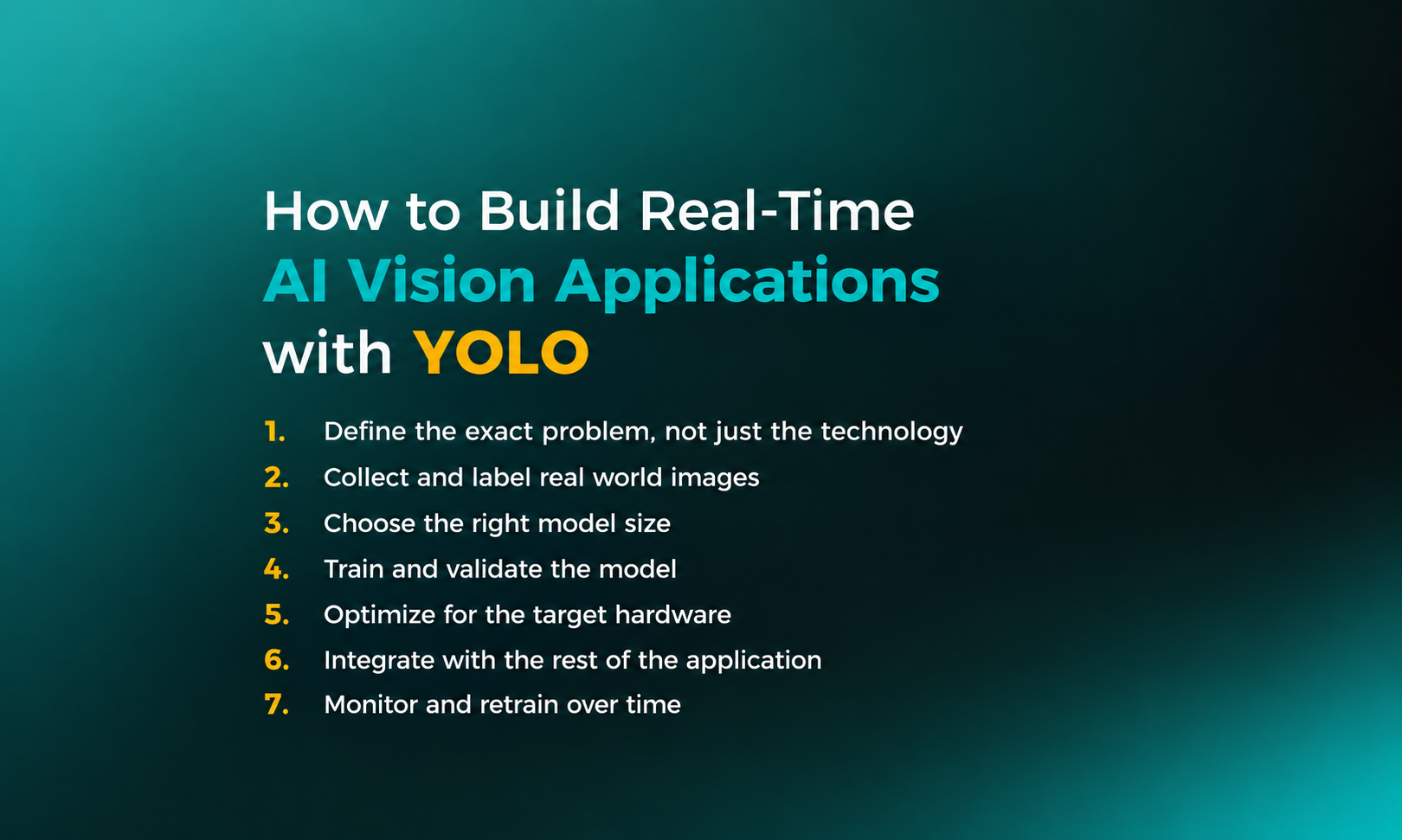
How to Build Real-Time AI Vision Applications with YOLO
1. Define the exact problem, not just the technology
Before touching any code, get specific. Detect defects is too vague. Detect scratches longer than 2 millimeters on painted metal panels moving at conveyor speed is something a model can actually be trained for. The narrower the problem, the smaller and faster the model can usually be.
2. Collect and label real world images
Off-the-shelf pretrained YOLO models are trained on public datasets, and those datasets rarely match a specific factory floor, warehouse, or retail store exactly. Teams usually need to collect their own images from the real deployment site and label them, drawing boxes around the objects that matter. A few hundred to a few thousand well labeled images is often a realistic starting point for a narrow problem, though the right number depends heavily on lighting, camera angles, and how varied the objects are.
3. Choose the right model size
YOLO comes in several sizes, from nano and small versions built for phones and small edge devices, up to large and extra large versions meant for more powerful hardware. Weigh how much compute is available at the deployment site, how many frames per second the application genuinely needs, how much accuracy loss is acceptable in exchange for speed, and whether the model needs to run fully offline.
4. Train and validate the model
This step fine tunes a pretrained YOLO model on the custom, labeled dataset instead of training from scratch, which saves a large amount of time and data. Validation should always happen on images the model has never seen, using a portion of the dataset set aside specifically for testing rather than training.
5. Optimize for the target hardware
A model that runs smoothly on a development laptop may struggle on a stripped down edge device. This is where formats such as ONNX, TensorRT, or OpenVINO come in, converting a trained model into a version optimized for the exact chip it will run on. Ultralytics's 2026 collaboration with Intel, for instance, focused on this exact problem, optimizing YOLO26 models for OpenVINO to cut inference latency on ordinary Intel powered industrial PCs already sitting on factory floors.
6. Integrate with the rest of the application
The detection model itself is only 1 part of the picture. A working product also needs a video feed pipeline, a way to store or act on results, alerts or dashboards for people to review, and often a connection to existing business software such as inventory systems or security platforms.
7. Monitor and retrain over time
Cameras get repositioned, lighting changes with the seasons, new products show up on shelves. A model that performs well on day 1 will drift over time if nobody keeps an eye on it. Successful deployments treat the model as a living system that gets reviewed periodically and retrained with fresh data.
YOLO Object Detection for Business Applications
The genuinely interesting part of YOLO object detection for business applications is how broadly it applies across industries that, on paper, have almost nothing in common.
Retail
Stores generate a constant stream of camera footage that mostly goes unused. Detection models turn that footage into something actionable.
• Shelf monitoring: catching when a product runs low or gets placed in the wrong spot
• Self checkout: identifying items in a customer's basket automatically
• Foot traffic analysis: counting shoppers and understanding movement patterns without tracking individual identities
Manufacturing
Factory floors were an early adopter of this technology, mostly because the payoff from catching a defect early is easy to measure in money saved.
• Quality inspection: spotting scratches, dents, or missing components on a production line, often faster and more consistently than a human inspector working an 8 hour shift
• Safety compliance: checking whether workers are wearing required protective equipment in restricted zones
• Process monitoring: watching machinery for early signs of a jam or malfunction
Logistics and Warehousing
Warehouses move enormous volumes of items through narrow windows of time, which makes them a natural fit for automated counting and verification.
• Counting and tracking parcels as they move through a sorting facility
• Verifying that pallets are stacked correctly before shipment
• Monitoring loading docks for safety and efficiency
Security and Public Safety
Human operators cannot watch dozens of camera feeds at once without missing things. A detection model does not get tired or distracted.
• Detecting unattended bags in airports or train stations
• Monitoring restricted areas for unauthorized entry
• Supporting traffic management by counting and classifying vehicles
Agriculture
Farms cover a lot of ground, literally, and detection models help teams spot problems across large areas without walking every row by hand.
• Identifying ripe produce for automated harvesting
• Spotting early signs of crop disease from drone footage
• Counting livestock in open fields
Healthcare
Adoption here moves more cautiously given the stakes involved, but detection models are increasingly used as a second set of eyes rather than a replacement for one.
• Assisting radiologists by flagging regions of interest in scans for closer review
• Monitoring patient movement in care facilities to catch falls quickly
Business Value by Industry
Industry
What YOLO Detects
Business Impact
Retail
Products, shelf gaps, baskets
Fewer stockouts, faster checkout
Manufacturing
Defects, safety gear, machine faults
Lower rework costs, fewer accidents
Logistics
Parcels, pallets, dock activity
Fewer lost shipments, better throughput
Security
People, bags, vehicles
Faster response, less manual monitoring
Agriculture
Crops, livestock, disease signs
Higher yield, earlier intervention
Healthcare
Scan regions, patient movement
Faster review, quicker response to incidents
Market Snapshot
Ultralytics, the team behind the YOLO family, kept releasing new versions through 2026, with YOLO26 arriving in January of that year and a follow up collaboration with Intel in July 2026 focused specifically on cutting inference latency on everyday industrial PCs rather than specialized hardware. That focus on ordinary, already installed computers says a lot about where the real demand sits. Most companies exploring YOLO AI development are not building new data centers, they are trying to get useful results out of the hardware they already have on factory floors, in stores, and in security rooms.
Common Challenges Teams Run Into
None of these problems are unique to YOLO, they show up in almost every computer vision project, but they catch first time teams off guard often enough that they deserve a direct mention.
• Not enough labeled data from the actual deployment environment, leading to a model that performs well in testing but poorly once installed
• Underestimating how much lighting, camera angle, and seasonal changes affect accuracy over time
• Choosing a model too large for the target hardware, resulting in a system that cannot keep up with live video
• Treating the model as a one time deliverable instead of a system that needs monitoring and occasional retraining
• Skipping the integration work, so a technically accurate model never actually reaches the people who need to act on its output
YOLO vs Other Detection Approaches
For most business use cases where a camera watches a live feed and a decision needs to happen within a second or less, the YOLO family remains the practical default, which is part of why it has become the reference point most other detectors get measured against.
Comparing Object Detection Approaches
Approach
Speed
Best For
Limitation
YOLO family
Very fast, real-time capable
Live video, edge devices, business applications
Historically weaker on very small or overlapping objects, though this has improved a lot
Faster R CNN
Slower
Research, high accuracy static image analysis
Not practical for real-time video
SSD
Fast
Mobile applications
Generally less accurate than modern YOLO versions
Vision Transformers (DETR family)
Moderate, improving
Complex scenes, research settings
Heavier compute needs, still maturing for edge deployment
Do You Need to Hire AI ML Developers, or Can You Do It Yourself?
Small proof of concept projects can sometimes be built by a single developer using pretrained YOLO models and a few hundred labeled images, especially when the use case is narrow. Plenty of public tutorials genuinely make a first working demo achievable within a few days.
Production deployment is a different story. Once a system needs to run reliably, 24 hours a day, on hardware installed across multiple physical sites, with alerts a business genuinely depends on, the complexity grows quickly. This is the point where most companies decide to hire AI ML developers rather than keep building in house from scratch.
What to look for when you hire AI ML developers for a YOLO based project:
• Direct experience with the specific YOLO version and deployment target, whether that is edge hardware, mobile, or cloud
• A track record of building the surrounding pipeline, not just training models, since data pipelines, alerting, and integration are usually the larger share of the work
• Familiarity with model optimization tools such as ONNX, TensorRT, or OpenVINO for the target hardware
• Comfort working with your existing business systems, since a vision model that cannot talk to your inventory or security software delivers limited value on its own
Build In House vs Hire AI ML Developers
Factor
Build In House
Hire AI ML Developers
Speed to production
Slower, learning curve for teams new to computer vision
Faster, experienced teams avoid common mistakes
Upfront cost
Lower on paper, hidden cost in time and trial and error
Higher upfront, more predictable overall cost
Ongoing maintenance
Depends entirely on in house capacity
Often included as part of an engagement
Best fit
Companies with an existing ML team and a narrow use case
Companies that need a working system without building an ML team from scratch
Choosing the Right AI Development Company
Not every AI development company is equally suited to a computer vision project. Some firms specialize in language and chatbot work and treat vision as a side offering, and that gap in experience often shows up in the quality of the final deployment.
Questions worth asking before signing on with an AI development company:
• Can they show a previous project involving real-time detection, not just image classification
• Do they have experience deploying models on the same category of hardware your project needs, whether that is a phone, a factory camera, or a cloud server
• What does their process look like for data collection and labeling, since this step quietly decides most of the eventual accuracy
• How do they handle model drift and retraining after launch, rather than treating delivery as the end of the relationship
A capable AI development company will usually walk through these questions comfortably and point to concrete past work, rather than leaning on generic claims about artificial intelligence expertise.
Key Takeaways
• YOLO detects objects in a single pass through the image, which is why it can support real-time performance
• The technology has evolved continuously since 2016, with YOLO26 removing the slow Non-Maximum Suppression step entirely
• Building a working system involves far more than training a model, most of the effort sits in data collection, hardware optimization, and integration
• YOLO object detection for business applications spans retail, manufacturing, logistics, security, agriculture, and healthcare
• Choosing between building in house and choosing to hire AI ML developers usually comes down to how quickly you need a production ready system and whether you already have computer vision experience on staff
• This guide has covered YOLO AI development end to end, from picking a model size to deployment and long term maintenance
Conclusion
YOLO earned its place as the standard reference point for real-time object detection because it solved a genuinely hard problem: seeing and understanding a scene fast enough to act on it immediately, using hardware that ordinary businesses can actually afford to run. From a warehouse camera counting parcels to a factory line catching a defect before it reaches a customer, the underlying idea stays the same, a single pass through the image and one clear answer about what is there and where.
If you are early in exploring YOLO AI development for your own product, start small. Define 1 narrow problem, collect real images from your actual environment, and get a basic model working before expanding scope. If the project needs to move faster than your internal team can manage alone, working with an experienced AI development company or choosing to hire AI ML developers directly can shorten the path considerably, provided you ask the right questions before signing on. Either way, the fundamentals covered in this guide should help you evaluate any proposal, tool, or vendor with a clear head.
Digital Marketing Manager: With a passion for data-driven strategies and an instinct for spotting trends, Radhika navigates the virtual realm with finesse. Her commitment to staying ahead of the curve ensures our brand's message reaches the right audience at the right time.
Frequently Asked Questions
Yes. Once trained, YOLO models run entirely on local hardware, whether that is a phone, a camera, or an industrial PC. This is one reason it suits factories and remote sites where a reliable connection cannot be guaranteed, unlike cloud only vision services that need constant connectivity to function at all.
Costs vary widely depending on data collection needs, model complexity, and the number of deployment sites. A narrow proof of concept can sometimes be built on a modest budget within a few weeks, while a full production rollout across multiple locations, with ongoing monitoring and retraining, typically involves a considerably larger investment spread over several months.
Ultralytics releases YOLO under licensing that includes open source terms for certain uses and separate paid commercial licenses for others, depending on how the model gets deployed and by whom. Terms can change between versions, so companies should review the current licensing page directly before shipping any commercial product built on top of it.
Object detection draws a rectangular box around each object and labels it. Segmentation goes further, outlining the exact pixel shape rather than a rough box. Several recent YOLO versions support both tasks in the same model, so the right choice usually depends on whether your application actually needs a precise outline or a simple location is enough.
A narrow, well scoped project with existing labeled data can sometimes reach a working pilot within 4 to 6 weeks. Broader deployments across multiple locations, with custom data collection, hardware optimization, and integration into existing business systems, more commonly take 3 to 6 months from initial scoping through to stable, monitored operation.
Find exceptional developers at Hourlydeveloper. Get the expertise, solutions, and teamwork you need for success. Hire developers easily and boost your projects today!
 Back to Blog