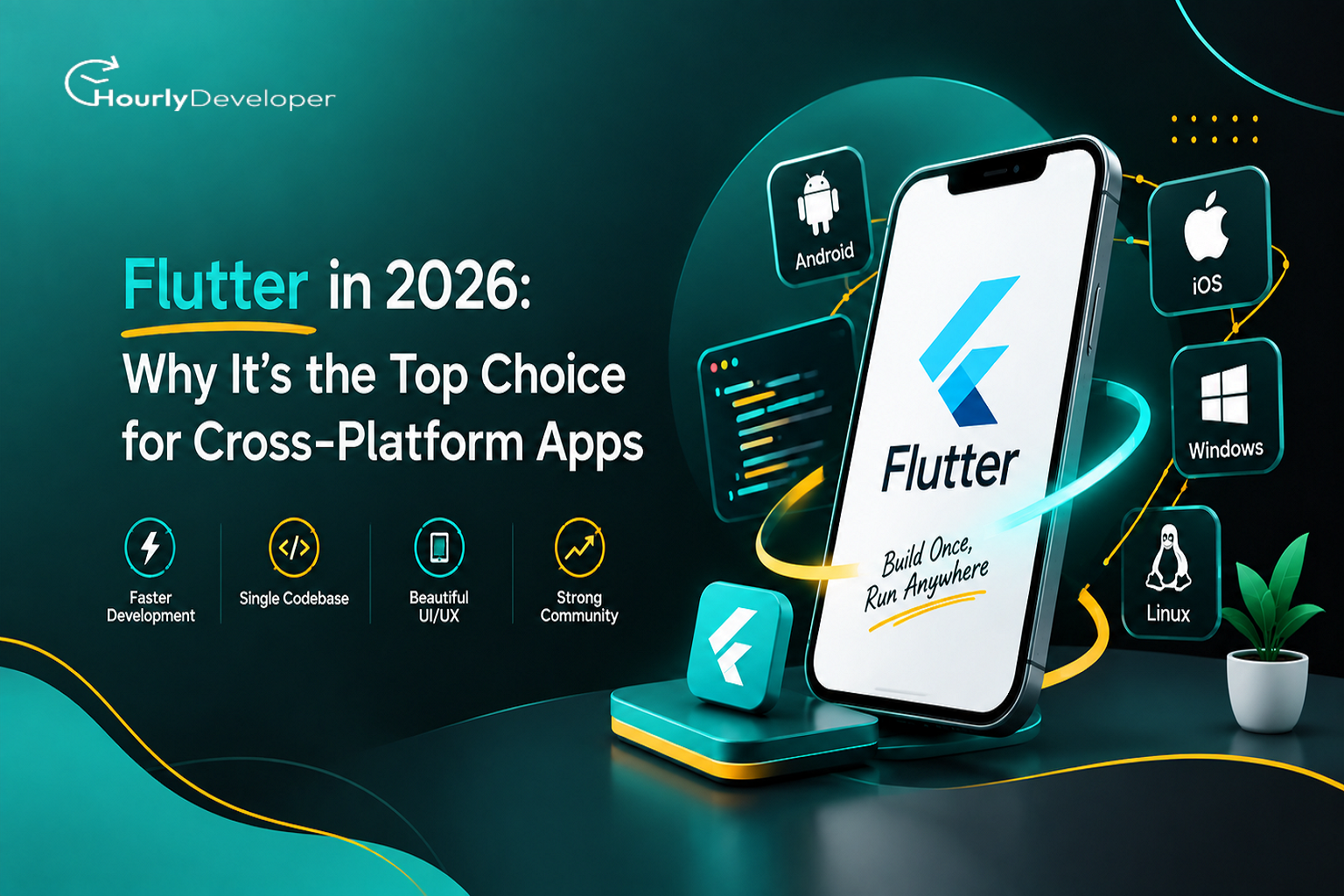
Flutter in 2026: Why It's the Top Choice for Cross-Platform Apps
If you're planning a mobile app right now, you've probably run into the same old question: build it twice for iOS and Android, or find a way to build it once. That question is exactly why Flutter keeps coming up in almost every conversation about app development in 2026.
This post breaks down what Flutter actually is, how it stacks up against the other options on the table, and where it fits and where it doesn't. No jargon, no sales pitch, just a straight look at the framework so you can make a call that actually fits your project.
What Is Flutter, Really?
Flutter is an open-source toolkit built by Google for building apps from one codebase. Instead of writing separate apps in Swift for iPhone and Kotlin for Android, you write your app once in a language called Dart, and Flutter turns it into an app for both.
Here's the part that makes Flutter different from most of the other cross-platform tools: it doesn't lean on the phone's built-in buttons, sliders and menus. It draws every single pixel on the screen itself, using its own rendering engine. That's why a Flutter app looks and feels exactly the same whether it's running on a five-year-old Android phone or the newest iPhone.
What Flutter is good at:
Apps where the brand's look and feel matters a lot, such as retail, food delivery, or fintech apps with a distinct visual identity
Apps that need to launch fast on both platforms with one team and one budget
MVPs and early-stage products where speed to market matters more than squeezing out the last 5% of native performance
Apps that might later expand to web or desktop without a full rewrite
Dashboards, internal tools and admin panels where consistency across devices saves support headaches
Flutter isn't only for phones anymore either. The same codebase can ship to the web, to Windows, macOS and Linux desktops, and even to small embedded screens like car dashboards and kiosks. Toyota, for instance, uses Flutter in some of its in-vehicle infotainment systems.
What Are the Alternatives, and What Are They Built For?
Before deciding on Flutter, it's worth knowing what else is on the table.
React Native
Built by Meta, React Native lets you write apps in JavaScript or TypeScript. Unlike Flutter, it uses the phone's actual native buttons and components, it just tells them what to do from JavaScript code. That makes apps feel very close to a real native app, and it's a natural fit for teams that already have web developers who know React.
Native development (Swift for iOS, Kotlin or Java for Android)
This means building two completely separate apps, each written in the platform's own language. You get full, day-one access to every new feature Apple or Google releases, the best possible performance, and the most direct access to hardware like cameras, sensors and Bluetooth. The cost is that you need two teams, or one team working twice as long, and two codebases to maintain forever.
Other options worth a mention
Tools like .NET MAUI and Ionic exist too, and each has its own niche. MAUI suits teams already deep in the Microsoft stack, and Ionic suits teams that want to reuse existing web code. Neither has the market pull or plugin ecosystem that Flutter and React Native have going into 2026.
The Core Difference: How Each Approach Actually Works
The real difference between these approaches comes down to one thing: what draws the screen.
Flutter draws its own UI, pixel by pixel, using its own engine. It doesn't ask the phone's operating system to draw a button, it draws the button itself. This gives it very consistent visuals and generally strong performance, since there's no bridge slowing things down between your code and the screen.
React Native asks the phone's operating system to draw its native buttons and screens, and your JavaScript code tells those native components what to do. This gives a more platform-authentic feel, but historically added a communication layer between JavaScript and native code, much improved with React Native's newer architecture, but still a layer that Flutter skips.
Native apps are simply written in the platform's own language, talking directly to the operating system with nothing in between.
In plain terms: native gives you the most control with the most work, React Native gives you native-feeling apps with a JavaScript workflow, and Flutter gives you one codebase, one visual language and one team, with performance that's close enough to native for the vast majority of business apps.
Flutter vs React Native vs Native: A Side-by-Side Look
Factor
Flutter
React Native
Native (Swift/Kotlin)
Language
Dart
JavaScript / TypeScript
Swift (iOS), Kotlin or Java (Android)
Codebase
One, for both platforms
One, for both platforms
Two, separate codebases
UI rendering
Own engine draws each pixel
Uses native OS components
Native OS components
Performance
Close to native
Good, slightly behind Flutter for heavy graphics
Best possible
Development speed
Fast
Fast
Slower (two builds)
Hot reload
Yes, very fast
Yes
No, rebuild needed
Day-one access to new OS features
Slight delay
Slight delay
Immediate
App size
Slightly larger
Moderate
Smallest
Talent pool
Growing steadily
Large (JS developers)
Large, split across two skill sets
Best for
Custom-branded apps, MVPs, multi-platform reach
Teams already using React, native-feel apps
Performance-critical or hardware-heavy apps
A table like this makes the trade-offs obvious, but numbers alone don't tell you which one is right for your app. That depends on your team, your timeline, and what the app actually needs to do.
Why Flutter Is the Top Choice for Cross-Platform Apps in 2026
There's a reason so many product teams default to Flutter this year. A few things line up at once:
Adoption is high and growing. Developer surveys have consistently put Flutter ahead of other cross-platform frameworks, with usage figures around 46% among developers who build cross-platform apps, more than React Native and every other option combined in most of these polls.
Big-name companies trust it in production. Google Pay, BMW's app, eBay Motors, Toyota's in-car systems, and Alibaba's Xianyu app all run on Flutter. This isn't a framework limited to small side projects.
The rendering engine matured. Flutter's newer graphics engine, Impeller, replaced older tooling as the default and cut down on the stutter that used to show up the first time an animation played.
Web and desktop support caught up. A Flutter app can now ship to a web browser using WebAssembly for near-native speed in the browser, which means write once genuinely stretches further than mobile alone.
Dart itself got better. Newer Dart versions added stronger null safety and pattern matching, which cuts down on a whole category of runtime crashes.
The package ecosystem is no longer thin. pub.dev, Flutter's package repository, now carries tens of thousands of packages covering payments, maps, camera access and just about everything a typical business app needs.
Put together, this is exactly why Flutter is the top choice for cross-platform apps for a huge share of new projects starting this year, not because it's trendy, but because the practical case for it, cost, speed, consistency and a growing talent pool, keeps getting stronger.
Benefits of Flutter App Development
Putting the market numbers aside, here's what the benefits of Flutter app development actually look like on a real project:
Lower cost. One codebase means one team, not two. For most small and mid-size apps, that alone can cut development cost by close to a third compared with building native apps separately.
Faster timelines. Hot reload lets a developer see a change on screen in under a second, without restarting the app. That adds up to real days saved over a multi-month build.
Consistent design. Because Flutter draws its own UI, a button looks and behaves exactly the same on an old Android phone and a brand-new iPhone. No fixing two versions of the same screen.
Good performance for most use cases. Flutter compiles down to native machine code rather than running through an interpreter, so scrolling, animations and transitions feel smooth for the overwhelming majority of business apps, including e-commerce, delivery, booking and fintech.
One place to fix bugs. A bug fixed in the shared codebase fixes it on both platforms at once, instead of patching two separate apps.
Backed for the long run. Google maintains Flutter as a core part of its own tooling strategy, and it now also powers parts of Google's own products, which is a reasonable signal that support isn't going away any time soon.
Room to grow. Starting with mobile doesn't lock you out of web or desktop later, the same codebase can extend there with far less rework than switching frameworks entirely.
None of this means Flutter is automatically the right call for every app, more on that below, but for the typical business app, these are the benefits of Flutter app development that show up on the invoice and the calendar, not just in marketing copy.
Is Flutter Still Worth Learning in 2026?
If you're a developer rather than a business owner, this is probably the question that actually brought you here: is Flutter still worth learning in 2026, or has the moment already passed?
Short answer: yes, with a caveat.
Here's what's pulling in Flutter's favor:
Job postings asking for Flutter have kept climbing steadily since 2020, and it now shows up in cross-platform roles almost as often as React Native
Companies building consumer apps, internal tools and fintech products keep listing it as a required or preferred skill
Dart is genuinely easy to pick up if you already know any C-family or JavaScript-style language
Flutter skills transfer across mobile, web and desktop work, which widens the kind of roles you can apply for
Here's the caveat: if your career goal is specifically AR/VR development, deep hardware or embedded systems work, or you want to work exclusively on iOS at a company that only ships native, Flutter won't be the most direct path. It's a strong general-purpose skill for app development, not a replacement for specialized native or hardware expertise.
So the honest answer to is Flutter still worth learning in 2026 is: if you want to build apps for businesses, startups or agencies that need to move fast across platforms, yes, it's one of the more practical skills you can put on a resume this year.
When Flutter Isn't the Right Fit (and How to Decide Anyway)
Most articles on this topic stop at Flutter is great and skip the part where it isn't. Here's the honest version.
Where Flutter struggles
Apps that are heavily AR/VR based, or that need deep, low-level access to camera and sensor hardware in ways that go beyond what existing plugins cover
Apps that must use a brand-new OS feature the day it's released. Flutter usually catches up within weeks or months, but not day one
Extremely performance-sensitive apps like high-end games, where a native or dedicated game engine is usually still the better call
Teams that are already deep specialists in native iOS or Android and have no real reason to retrain
Where the information gets genuinely mixed
It's worth being honest that not every claim about Flutter is settled. Performance benchmarks between Flutter and React Native, for example, shift depending on which app, which device and which version of each framework is being tested. A benchmark from a heavy-animation app won't tell you much about a simple form-based business app. Package quality on pub.dev also varies a lot; a popular package isn't automatically a well-maintained one, so checking its last update date and open issues matters more than its download count.
How to actually decide, in the moment
1. List what the app absolutely must do on day one. If none of it needs bleeding-edge OS features or heavy native hardware access, Flutter is very likely fine.
2. Check whether your team already knows Dart, JavaScript, or neither. This affects ramp-up time more than any benchmark will.
3. Prototype the riskiest one or two screens first, such as the camera flow, the payment integration or the map, before committing to the whole build. This surfaces plugin gaps early, rather than three months in.
4. Revisit the decision if requirements change mid-project. A dashboard app that suddenly needs deep AR features is a different app than the one you scoped, and no framework choice should be treated as locked in stone regardless of what the project turns into.
This is really a case-by-case call, and a good Flutter development company will walk through exactly this kind of checklist with you before writing a single line of code, rather than assuming Flutter is the answer to every brief that lands on their desk.
Choosing a Flutter Development Company or Hiring Your Own Team
Once you've decided Flutter fits your project, the next decision is who builds it.
You need the app live in a set number of months and don't have time to build a hiring pipeline from scratch
You want a team that's already solved similar problems, such as payment integration, real-time chat or offline sync, instead of learning on your dime
You'd rather have one point of contact handling design, development and QA together
Hiring mobile app developers directly makes more sense when:
You're building a long-term product and want in-house ownership of the codebase
You already have a technical lead who can manage the day-to-day work
The app will need constant iteration for years, not just a one-time build
Either way, if you plan to hire mobile app developers for a Flutter project, look for a few specific things beyond knows Flutter:
A portfolio with at least one or two apps actually live on the App Store or Play Store, not just demos
Comfort with state management approaches such as Provider, Riverpod or Bloc, the names matter less than whether they can explain why they'd pick one
Experience writing native platform-channel code for the moments Flutter can't do something out of the box
A track record of shipping, not just prototyping
A lot of teams end up doing both, bringing in a Flutter development company for the initial build and launch, then gradually building an in-house team to maintain it, or the other way around: hiring core developers first and calling in an agency for a specific feature push before a deadline.
Pro Tips Before You Start
Don't skip a technical spike on your riskiest feature. Two days spent testing whether a specific hardware integration works in Flutter can save weeks of rework later.
Ask any agency or freelancer about their approach to app size. A Flutter app that's grown bloated with unused packages is a common, avoidable problem.
Budget time for platform-specific polish. Even with one codebase, small things like status bar behavior or back-button handling still need separate attention for iOS and Android.
If web is even a maybe for later, mention it at the very start. Structuring the codebase with that in mind from day one is far cheaper than retrofitting it after the fact.
Wrapping Up
Flutter earned its place at the top of the cross-platform conversation the practical way, by being reasonably fast to build with, cheap to maintain, and consistent enough in how it looks and performs across devices. That's the real, unglamorous reason why Flutter is the top choice for cross-platform apps for so many teams heading into the rest of 2026: it solves an ordinary, expensive problem, building for two platforms, without asking a business to pay for it twice.
If you're still weighing your options, the honest move is to prototype your riskiest screen first, talk to a Flutter development company or a couple of individual developers about your specific requirements, and let that early test, not a general opinion piece, make the final call for your project.
With a love for connecting with people and a flair for communication, Prachi's expertise in digital marketing is unmatched. Her strategic approach to campaigns ensures our brand's story reaches far and wide, making an impact on the lives of countless individuals.
Frequently Asked Questions
It depends on your team and app. Flutter generally offers more consistent visuals and slightly better raw performance; React Native gives a more platform-native feel and suits teams already skilled in JavaScript. Neither is universally better, the right pick depends on your existing skills and what the app needs to do.
Cost varies with app complexity, but because Flutter uses one codebase for both platforms, it typically costs less than building separate native apps, often somewhere between 20 and 35 percent less, depending on features and team rates.
Yes. Flutter has official and community plugins for most common hardware features, and for anything not covered, developers can write custom platform channel code to talk to native APIs directly.
Yes, particularly if you want to build for both iOS and Android without learning two separate languages. It's a practical, in-demand skill, though highly specialized fields like AR/VR or embedded hardware work still lean more heavily on native tools.
If you need to launch quickly and don't want to manage hiring, an agency is usually faster to start with. If you're building a long-term product that will need years of updates, hiring mobile app developers in-house often pays off over time. Many teams do both at different stages.
Find exceptional developers at Hourlydeveloper. Get the expertise, solutions, and teamwork you need for success. Hire developers easily and boost your projects today!
 Back to Blog