2.Why MEAN Stack Tools Matter in Real Projects
On paper, the MEAN stack looks simple and straightforward. Once you move into real-world development, however, things get more complex very quickly. Production-ready applications need more than just basic CRUD operations—they need to be fast, stable, secure, and easy to maintain over time.
This is where the right MEAN stack tools make a real difference.
The right tools help developers:
- Faster debugging: The right tools help developers quickly identify and fix issues before they grow into major problems or delay the project timeline.
- Better testing: Testing tools allow teams to check applications thoroughly, helping catch bugs early—long before real users are affected.
- Improved performance: Performance monitoring tools make it easier to spot bottlenecks that slow down APIs, servers, or the overall user experience.
- Safer deployments: Deployment tools help push updates smoothly, reducing the risk of crashes or errors in live applications.
Most importantly, these tools help maintain clean and consistent code as projects grow. As new features are added and teams expand, tools ensure everything stays organized and manageable.
Without proper tooling, even experienced Full-Stack Node.js Developers can face slow build times, unstable APIs, and frustrating deployment issues. Instead of focusing on innovation, they end up spending time fixing avoidable problems—something the right MEAN stack tools are designed to prevent.
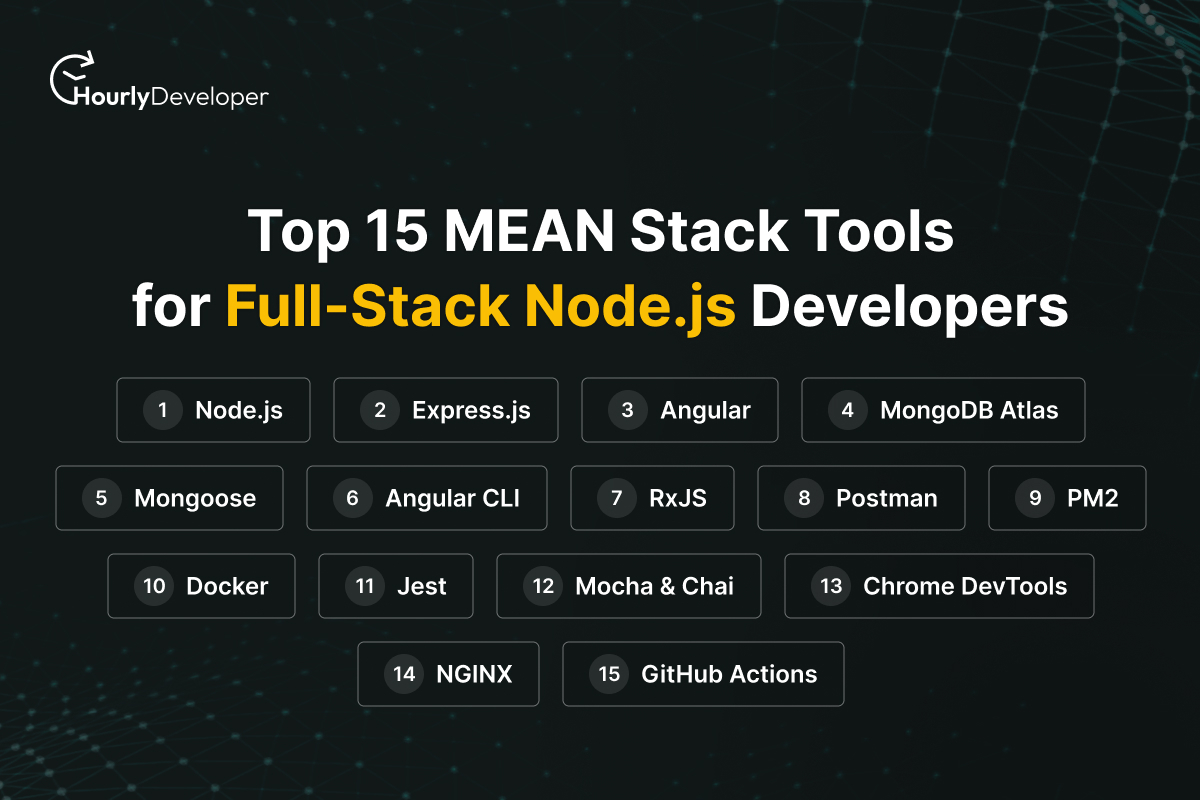
3.Top 15 MEAN Stack Tools for Full-Stack Node.js Developers
1. Node.js
What it is:
Node.js is a JavaScript runtime that allows developers to run JavaScript on the server.
Why MEAN developers use it:
It enables fast, scalable, event-driven backend development using a single language.
Key features:
- Non-blocking I/O
- High performance
- Large ecosystem of packages (npm)
Best use case:
Real-time applications, APIs, and scalable backend services.
Skill level: Beginner to Advanced
Pricing: Free and open-source
2. Express.js
What it is:
A minimal backend framework built on top of Node.js.
Why developers use it:
It simplifies API creation and server-side routing.
Key features:
- Middleware support
- Fast request handling
- Easy REST API creation
Best use case:
Lightweight backend services and RESTful APIs.
Skill level: Beginner
Pricing: Free and open-source
3. Angular
What it is:
A TypeScript-based front-end framework maintained by Google.
Why MEAN developers use it:
It helps build dynamic, scalable, enterprise-level applications.
Key features:
- Two-way data binding
- Component-based architecture
- Built-in routing and forms
Best use case:
Single-page applications (SPAs).
Skill level: Intermediate
Pricing: Free and open-source
4. MongoDB Atlas
What it is:
A fully managed cloud database service for MongoDB.
Why developers use it:
It removes the hassle of database maintenance and scaling.
Key features:
- Automatic backups
- Global clusters
- Built-in security
Best use case:
Cloud-based MEAN applications.
Skill level: Beginner
Pricing: Free tier available, paid plans start around $9/month
5. Mongoose
What it is:
An ODM (Object Data Modeling) library for MongoDB and Node.js.
Why developers use it:
It brings structure and validation to MongoDB schemas.
Key features:
- Schema validation
- Middleware hooks
- Query building
Best use case:
Applications needing structured data models.
Skill level: Beginner to Intermediate
Pricing: Free and open-source
6. Angular CLI
What it is:
A command-line interface for Angular development.
Why developers use it:
It automates repetitive tasks and speeds up development.
Key features:
- Project scaffolding
- Build optimization
- Testing support
Best use case:
Rapid Angular application development.
Skill level: Beginner
Pricing: Free
7. RxJS
What it is:
A library for reactive programming using observables.
Why MEAN developers use it:
Angular relies heavily on RxJS for handling async operations.
Key features:
- Stream-based data handling
- Powerful operators
- Efficient event management
Best use case:
Complex async workflows.
Skill level: Advanced
Pricing: Free
8. Postman
What it is:
An API development and testing tool.
Why developers use it:
It simplifies API testing during backend development.
Key features:
- API collections
- Environment variables
- Automated testing
Best use case:
Testing Express.js APIs.
Skill level: Beginner
Pricing: Free plan available, paid plans from ~$12/user/month
9. PM2
What it is:
A production process manager for Node.js apps.
Why developers use it:
Keeps applications running smoothly in production.
Key features:
- Auto-restart
- Load balancing
- Performance monitoring
Best use case:
Production Node.js deployments.
Skill level: Intermediate
Pricing: Free core version, paid monitoring available
10. Docker
What it is:
A containerization platform.
Why MEAN developers use it:
Ensures consistent environments across development and production.
Key features:
- Isolated containers
- Easy deployment
- Scalability
Best use case:
Microservices and cloud deployments.
Skill level: Intermediate
Pricing: Free basic use, paid plans for teams
11. Jest
What it is:
A JavaScript testing framework.
Why developers use it:
It simplifies unit and integration testing.
Key features:
- Snapshot testing
- Fast execution
- Easy setup
Best use case:
Testing Node.js and Angular components.
Skill level: Beginner
Pricing: Free
12. Mocha & Chai
What it is:
Testing frameworks for Node.js.
Why developers use it:
Offers flexibility and detailed assertions.
Key features:
- Custom test structures
- Assertion libraries
- Async testing support
Best use case:
Backend-heavy MEAN applications.
Skill level: Intermediate
Pricing: Free
13. Chrome DevTools
What it is:
Built-in browser debugging tools.
Why developers use it:
Essential for front-end debugging and performance tuning.
Key features:
- Network monitoring
- Performance profiling
- JavaScript debugging
Best use case:
Angular UI debugging.
Skill level: Beginner
Pricing: Free
14. NGINX
What it is:
A high-performance web server and reverse proxy.
Why MEAN developers use it:
Improves security and load handling.
Key features:
- Load balancing
- SSL handling
- Reverse proxy
Best use case:
Production MEAN applications.
Skill level: Advanced
Pricing: Free open-source, paid enterprise plans
15. GitHub Actions
What it is:
A CI/CD automation tool.
Why developers use it:
Automates testing and deployment pipelines.
Key features:
- Workflow automation
- Git integration
- Custom pipelines
Best use case:
Continuous deployment.
Skill level: Intermediate
Pricing: Free tier available, paid usage-based pricing
4.Real-World MEAN Stack Workflow Example
Imagine building a user authentication system—something most applications need, like user signup, login, and password validation. While it sounds basic, making it secure, fast, and reliable requires multiple tools working together smoothly.
It usually starts with the front end.
- Angular + Angular CLI are used to build the user interface where users enter their details. Angular helps create a responsive experience, while Angular CLI speeds up development by handling setup, builds, and file structure automatically.
Once the user submits the form, the request moves to the backend.
- Express.js + Node.js manage API requests, handle authentication logic, and communicate with the database efficiently.
For storing and managing user data:
- MongoDB Atlas + Mongoose are used to save user information securely. MongoDB Atlas handles cloud storage and scaling, while Mongoose ensures data is properly structured and validated.
Before deployment, testing becomes crucial.
- Postman is used to test APIs and check if login and signup requests are working correctly.
- Jest helps validate core logic by running automated tests, reducing the chances of bugs in production.
Finally, for deployment and stability:
- Docker + PM2 helps package the application, deploy it smoothly, and keep it running without crashes.
This clear workflow is why businesses prefer teams experienced with the best MEAN stack tools for Node.js developers, not just basic framework knowledge.
6.How to Choose the Right MEAN Stack Tools
There’s no single “perfect” set of MEAN stack tools that fits every project. The right choice always depends on what you’re building, who’s building it, and how far the application is expected to grow. Instead of using every available tool, it’s smarter to choose only what your project truly needs.
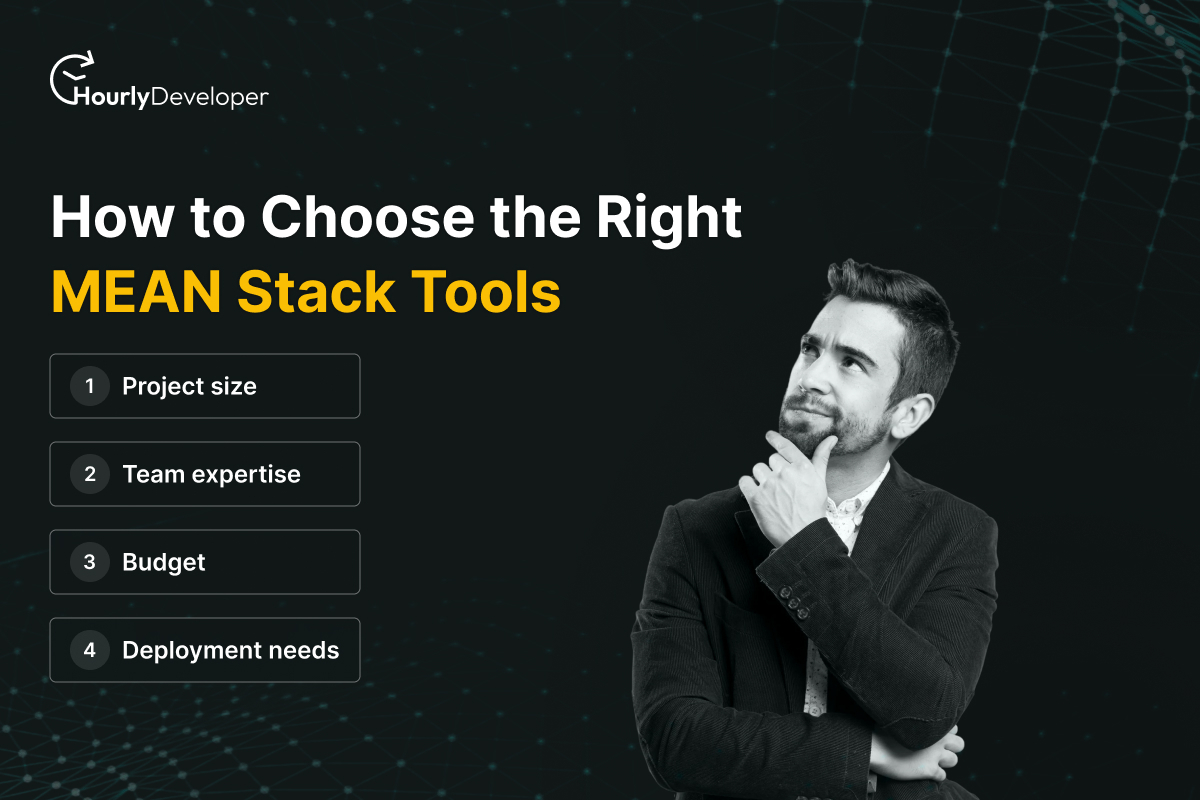
When selecting MEAN stack tools, keep these factors in mind:
- Project size:
Small applications or MVPs usually need fewer tools. Overloading them with advanced tools can slow development. Larger or long-term projects, however, benefit from testing, monitoring, and deployment tools right from the start.
- Team expertise:
Tools should match the skill level of your team. Simple tools work better for beginners, while experienced teams can handle more advanced setups without confusion.
- Budget:
Many MEAN stack tools are free, but some services come with paid plans. Choose tools that fit your budget now and won’t become a financial burden as your application scales.
- Deployment needs:
Consider where and how your application will be deployed—cloud, on-premise, or hybrid. Some tools are better suited for specific deployment environments.
The best approach is to start simple and scale your tooling as your application grows. This keeps development smooth while leaving room for future improvements.
7.Future Trends of MEAN Stack
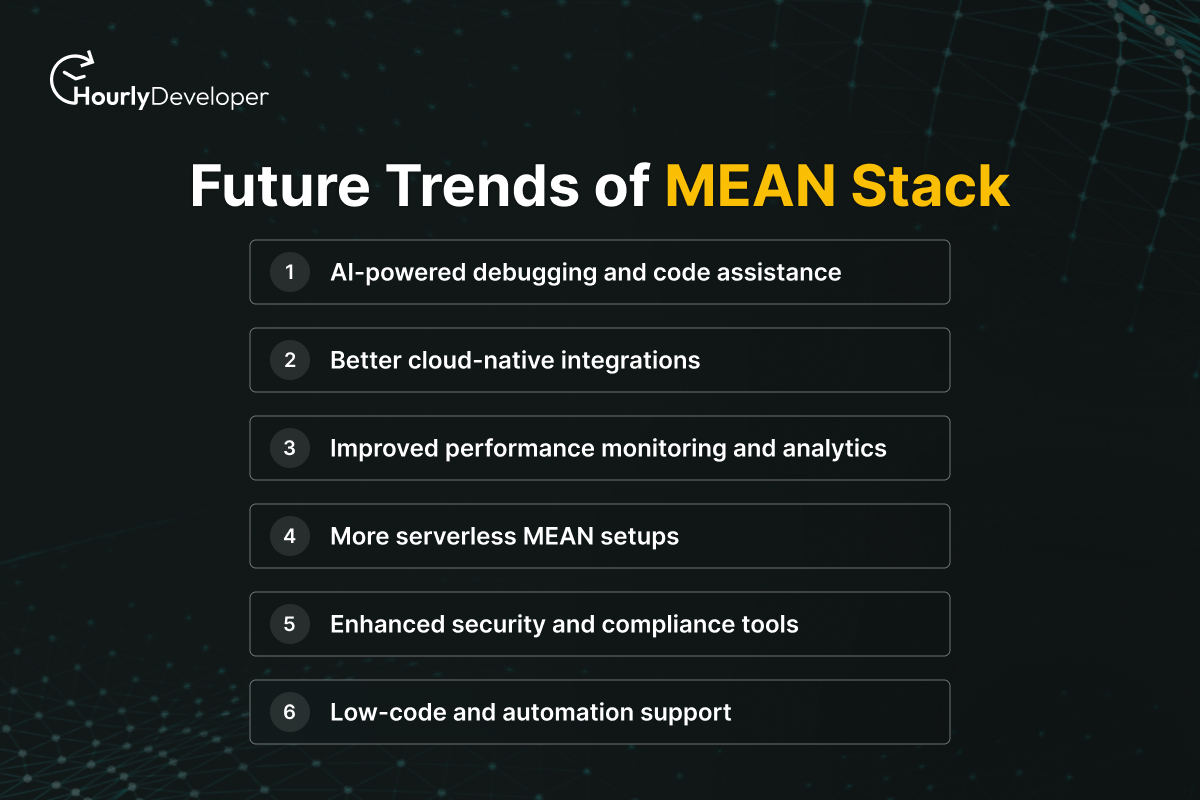
The world of web development is constantly evolving, and the MEAN stack is no exception. Looking ahead to Node.js developer tools in 2026, several trends are shaping how developers build applications faster, smarter, and more efficiently.
- AI-powered debugging and code assistance:
Artificial intelligence is starting to help developers automatically find bugs, suggest fixes, and even write repetitive code. This reduces human error and speeds up development.
- Better cloud-native integrations:
MEAN stack applications are moving more towards cloud platforms like AWS, Azure, and Google Cloud. Cloud-native tools make scaling, database management, and deployments easier and more reliable.
- Improved performance monitoring and analytics:
Advanced monitoring tools now provide real-time insights into app performance, database usage, and server health. Developers can proactively fix bottlenecks before they affect users.
- More serverless MEAN setups:
Serverless architectures allow developers to run code without managing servers. This trend reduces costs, simplifies scaling, and makes deployment faster.
- Enhanced security and compliance tools:
With data privacy regulations becoming stricter, MEAN stack tools now include better security checks, automated vulnerability scanning, and compliance support.
- Low-code and automation support:
Some MEAN tools are adding visual builders and automation features, making it easier for even small teams to create complex applications quickly.
These future trends of MEAN stack mean developers and businesses can build scalable, secure, and high-performing applications with less effort. Staying updated with the latest tools will give Full-Stack Node.js Developers a real competitive advantage.
8.Final Thoughts
By now, one thing should be clear—the MEAN stack is powerful, but the tools you choose decide how smooth your development journey really is. For Full-Stack Node.js Developers, the right tools reduce guesswork, save time, and make applications easier to scale. You don’t need every tool on day one. Start with the essentials, understand them well, and add more as your project grows. For businesses looking to hire MEAN stack developers, this tooling knowledge is often what separates average delivery from great results. In the end, good tools don’t replace skills—they amplify them, helping teams build faster, cleaner, and more reliable MEAN applications.
 Back to Blog